
IST Group
Building the future of edtech!
When you’re in the business of learning you need great tools to achieve great things. We make sure you get them.
When you’re in the business of learning you need great tools to achieve great things. We make sure you get them.

Every day and around the world our solutions make a difference for millions of people. We’re experts in learning, and we love it!
With simple and smart solutions for administration, learning and schedule, we make the everyday life easier for students, parents, teachers and managers.

We combine functionality in our products for a simplified and efficient school day for students, parents, teachers and administrators.
With IST Administration, IST Learn, IST Schedule, EduCloud and SchoolID, you’ll get a complete and fully integrated solution for schools.

To help make the world of education even better, IST has now launched the new EduCloud Community, a forum where developers can work on integration problems – together! Working with integrations can be a complex task. By providing a space where like-minded people can collaborate and solve technical problems or share innovative ideas, IST hopes […]
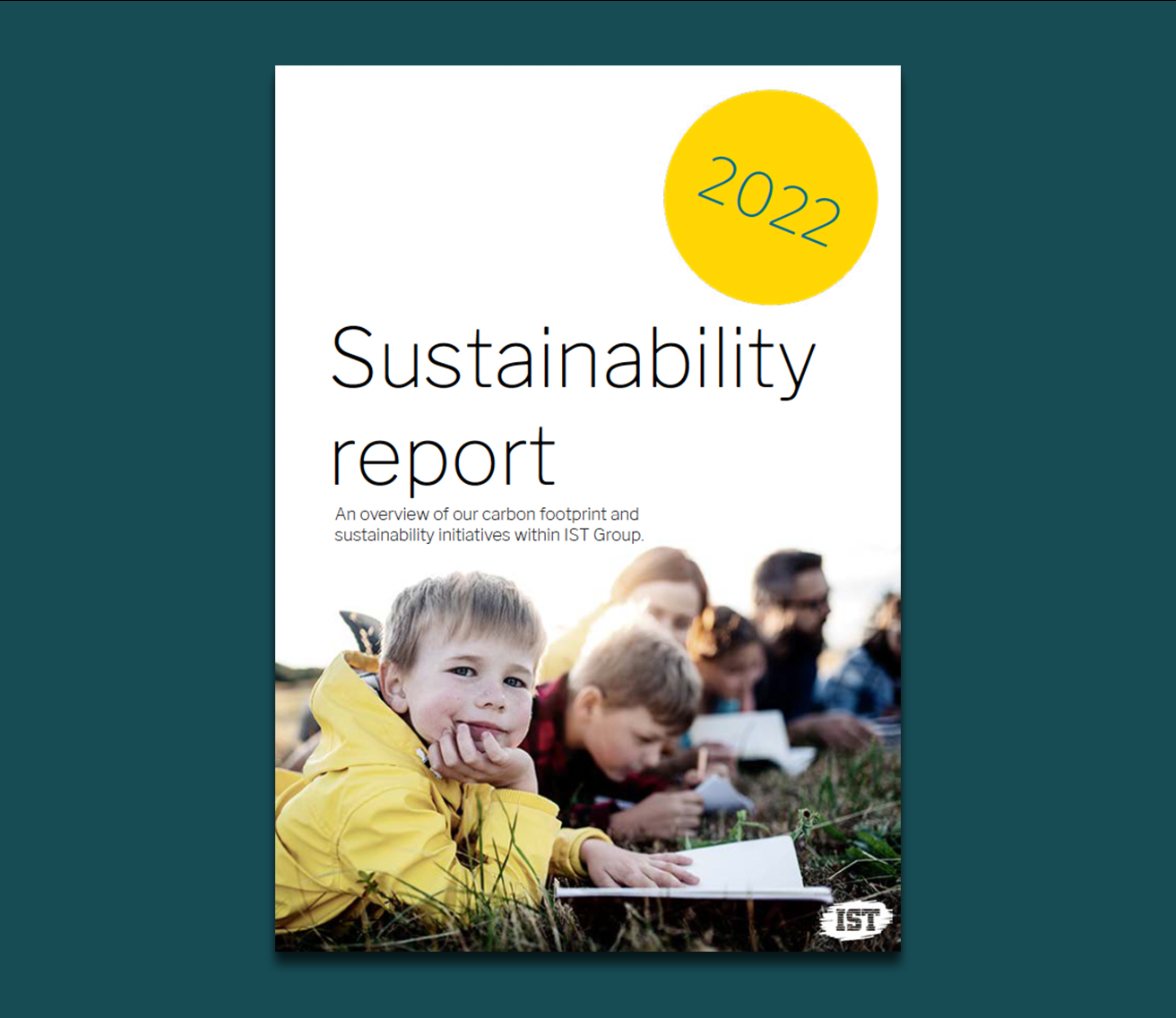
At IST, our sustainability reporting is not just about addressing our environmental impact but also about taking social responsibility for how we’re running our business. Up until now, the main focus of our sustainability reporting has been on our carbon emissions and consumption, to live up to our environmental certification, ISO14001. However, sustainability is also […]

BY: Elisabeth Wandel, Sustainability Manager at IST As a Sustainability Manager at IST, I frequently get asked the questions how does an IT company work with sustainability? Digitization and the sustainability agenda When it comes to digitization and digitalization there are many benefits to the sustainability agenda. From an environmental perspective this includes reducing the […]

“This year we looked into our digital carbon footprint by measuring the impact of our data servers from a life cycle perspective. This gave us an insight into the resources and energy usage it takes to run our solutions in each of our markets. This can also be seen as a steppingstone which allows us […]

Mikael Wahlberg is assigned the role of Chief Operating Officer and thus has full operational responsibility for taking the IST Group into the future. The former Deputy CEO will begin his new assignment as ultimately responsible for the Group’s operational activities immediately. “With this, we clarify IST’s leadership both internally and externally. During his 15 […]
Whether it’s about a complete school administration system or a simple and smart school application – we’re here to help!
Let us tell you more about how our solutions will simplify your school day.
